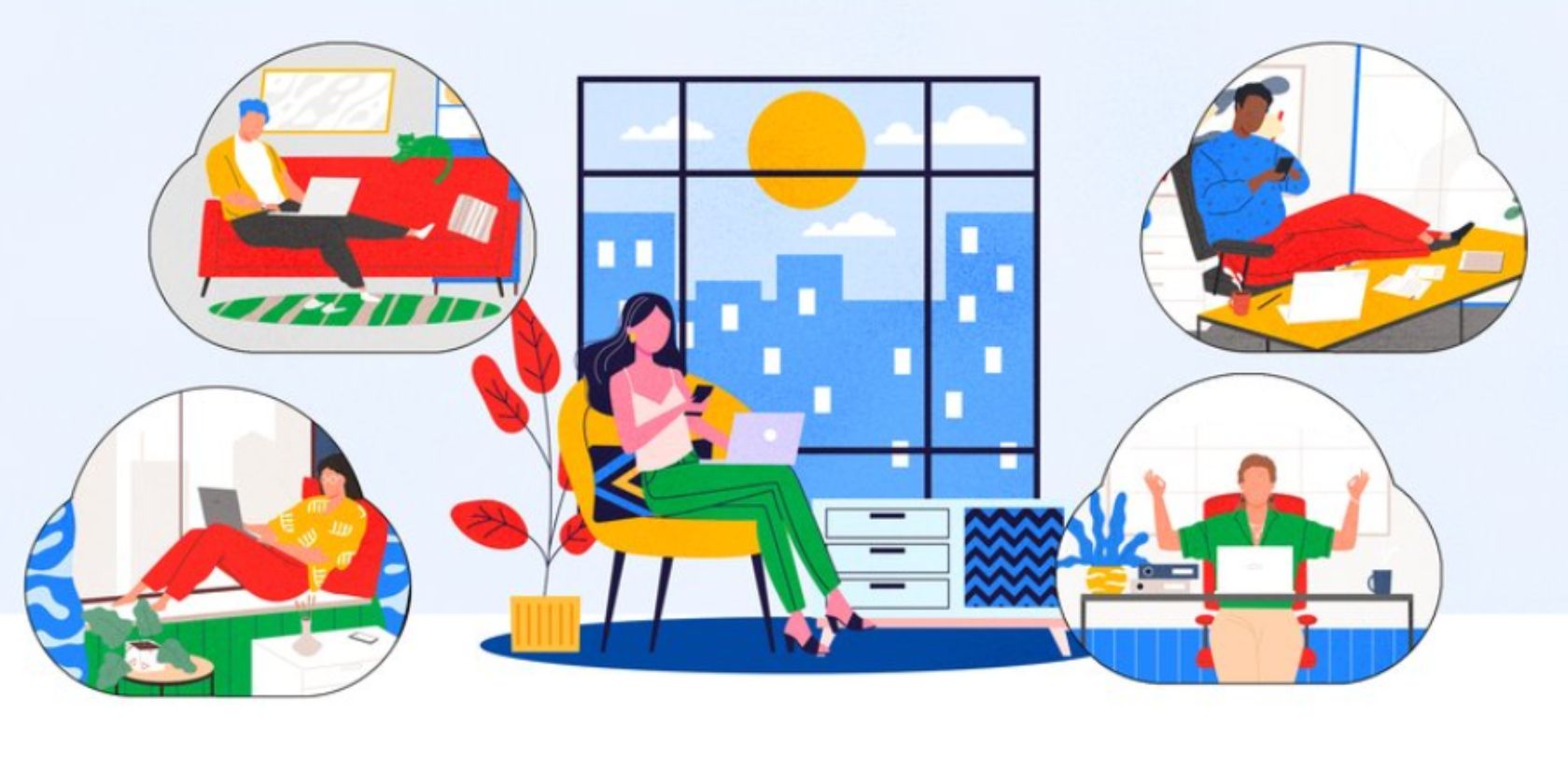
With populations around the world either in lockdown and/or following social distancing rules, video chat has suddenly become much more popular. And Google is responding to that explosive uptick in interest by making Google Meet free for everyone to use.
How to Use Google Meet for Free
In a post on The Keyword, Google announced that Meet is free for everyone to use. Until now, Meet has only been available as part of G Suite, which is aimed at businesses, schools, and organizations. But now, Google Meet is free for everyone.
All you need in order to use Google Meet is a Google account. Which you already have if you use Gmail. Once you have a Google account, you can use Meet for free either on the web at meet.google.com, or via the Google Meet app on Android and iOS.
Coming soon ?: We'll be offering #GoogleMeet for free to anyone with an email address to help people, businesses, & schools stay connected. Availability for our premium video conferencing product will be rolling out in the coming weeks ? https://t.co/Km6EfP7nHl #MeetOurTeam pic.twitter.com/eLn0PV0Sci
— G Suite (@gsuite) April 29, 2020
Google Meet supports meetings for up to 100 people, with meetings limited to 60 minutes. However, this time limit will not be enforced until October 1st to ensure people can use Google Meet for as long as they want while the COVID-19 crisis is still playing out.
Given the security issues surrounding Zoom and Houseparty, Google points out how Meet is “designed, built and operated to be secure at scale.” Meet’s safety measures include the inability of anonymous users to join meetings, and the ability for hosts to boot people out.
Before you rush to try out Google Meet for free, Google is rolling it out over the next few weeks and “gradually expanding its availability to more and more people.” However, you can sign up here to be notified when you can start using Meet for free.
What Happened to Google Hangouts, Anyway?
Google has offered a confusing array of messaging apps over the years, and its lineup is still quite confusing. Google Meet has only been called Google Meet for a matter of weeks, and was formerly Google Hangouts Meet. And that was formerly just Google Hangouts.
Still, Google finally looks to be settling on a direction of travel, with Google Meet and Google Chat replacing Hangouts, and Google Duo (see our beginner’s guide to Google Duo) sticking around as a mobile-friendly option for smaller groups of friends.
Read the full article: Everyone Can Now Use Google Meet for Free
 April 30, 2020 at 02:00AM:
With populations around the world either in lockdown and/or following social distancing rules, video chat has suddenly become much more popular. And Google is responding to that explosive uptick in interest by making Google Meet free for everyone to use.
How to Use Google Meet for Free
In a post on The Keyword, Google announced that Meet is free for everyone to use. Until now, Meet has only been available as part of G Suite, which is aimed at businesses, schools, and organizations. But now, Google Meet is free for everyone.
All you need in order to use Google Meet is a Google account. Which you already have if you use Gmail. Once you have a Google account, you can use Meet for free either on the web at meet.google.com, or via the Google Meet app on Android and iOS.
Coming soon ?: We'll be offering #GoogleMeet for free to anyone with an email address to help people, businesses, & schools stay connected. Availability for our premium video conferencing product will be rolling out in the coming weeks ? https://t.co/Km6EfP7nHl #MeetOurTeam pic.twitter.com/eLn0PV0Sci
— G Suite (@gsuite) April 29, 2020
Google Meet supports meetings for up to 100 people, with meetings limited to 60 minutes. However, this time limit will not be enforced until October 1st to ensure people can use Google Meet for as long as they want while the COVID-19 crisis is still playing out.
Given the security issues surrounding Zoom and Houseparty, Google points out how Meet is “designed, built and operated to be secure at scale.” Meet’s safety measures include the inability of anonymous users to join meetings, and the ability for hosts to boot people out.
Before you rush to try out Google Meet for free, Google is rolling it out over the next few weeks and “gradually expanding its availability to more and more people.” However, you can sign up here to be notified when you can start using Meet for free.
What Happened to Google Hangouts, Anyway?
Google has offered a confusing array of messaging apps over the years, and its lineup is still quite confusing. Google Meet has only been called Google Meet for a matter of weeks, and was formerly Google Hangouts Meet. And that was formerly just Google Hangouts.
Still, Google finally looks to be settling on a direction of travel, with Google Meet and Google Chat replacing Hangouts, and Google Duo (see our beginner’s guide to Google Duo) sticking around as a mobile-friendly option for smaller groups of friends.
Read the full article: Everyone Can Now Use Google Meet for Free
Read Question - Answers: MakeUseOf

Comments
Post a Comment